NOVEMBER 11, 2026
Estimated reading time: 7 minutes
The short answer: An API is a door that lets one program use another program’s data or features. MCP, the Model Context Protocol, is a standard that lets AI tools use many of those doors the same way. For Tampa Bay businesses, the bigger question is permissions: what each AI connection can see, do and log.
An AI tool is only as useful as what it can reach. On its own, it can write and summarize. Connected to your email, your accounting system or your CRM, it can actually get work done. If you run a business in Tampa Bay and your team is starting to plug AI into daily tools, you’ll hear two terms again and again: API and MCP. Here’s what they mean, how they differ, and what to lock down before you connect anything.
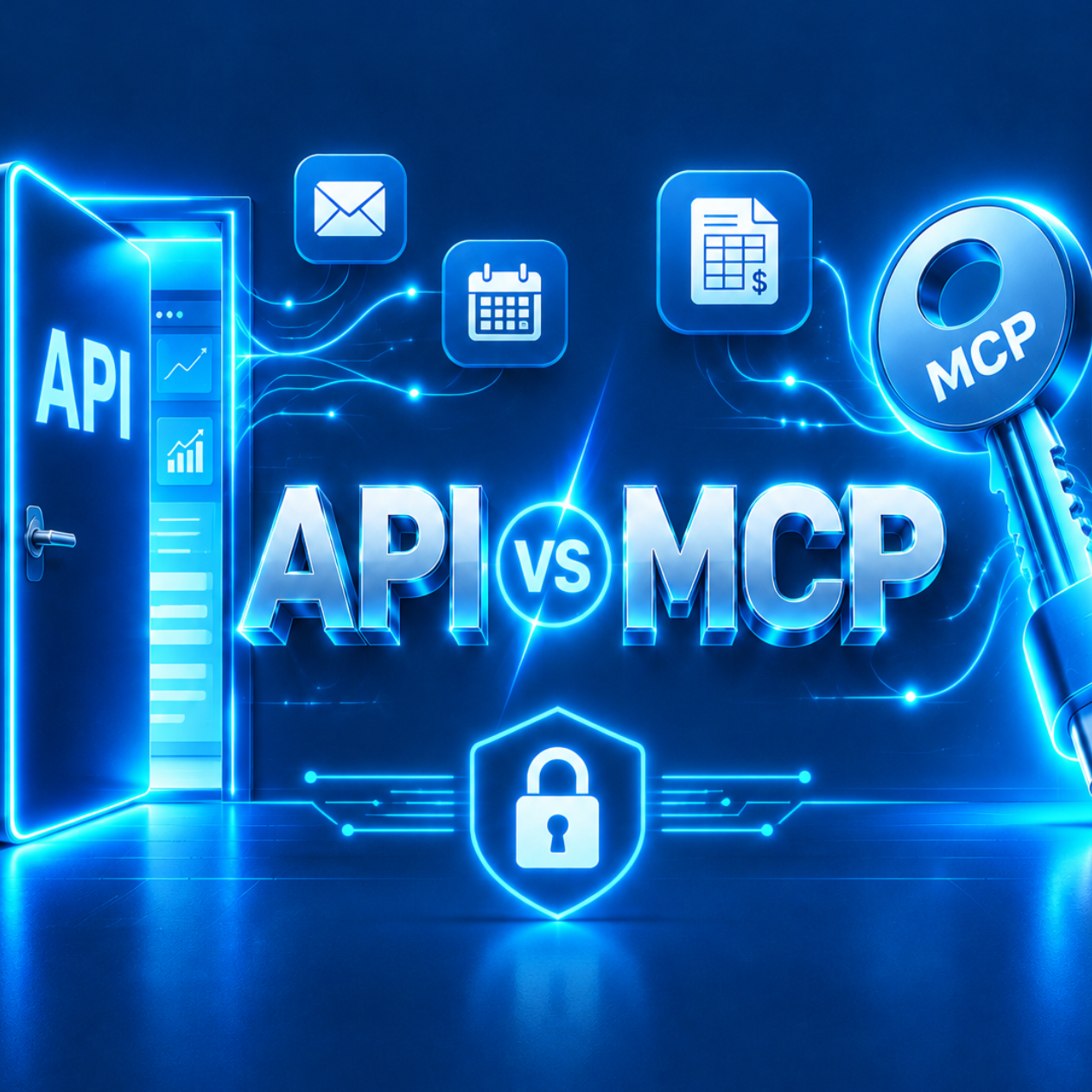
Or, in one line: an API is a door, and MCP is a universal key that lets AI use any door built for it.
What is an API?
An API (application programming interface) is the way one program asks another for data, or asks it to do something. Picture a restaurant’s take-out window. There’s a set menu, a specific way to order, and you get exactly what the window offers.
Almost every business app has one. Your accounting software does. So does Microsoft 365, your phone system, and most practice or property management platforms. APIs have powered integrations for decades, and they aren’t going anywhere.
The catch: every API is different. Each has its own menu, its own rules and its own way of signing in. Connecting five systems has traditionally meant five separate projects, each built and maintained by a developer.
What is MCP?
MCP, the Model Context Protocol, is an open standard introduced by Anthropic in late 2024 for connecting AI tools to business systems. If an API is a take-out window, MCP is USB-C: one connector shape, so any AI that speaks MCP can plug into any tool that offers it.
An MCP connection usually sits on top of an existing API. The difference is that the AI can ask the connection what it’s able to do, like “search mail,” “create a calendar event” or “look up an invoice,” and then use those abilities without a developer writing custom code for each one.
That matters because it’s becoming the default. In its November 2026 update, Microsoft added an MCP server to Copilot Studio and expanded how agents work inside Teams and Outlook. When the platform most Tampa businesses already run on adopts a standard, it stops being a developer topic and becomes an IT management topic.
What’s the practical difference between an API and MCP?
| API | MCP | |
|---|---|---|
| Built for | Programmers | AI tools |
| Each connection | Custom work | One standard plug |
| How the AI learns what it can do | It doesn’t; a developer codes it | It asks the connection |
| Typical use | System-to-system integrations | AI assistants and agents reaching your apps |
| Who controls access | Whoever built the integration | Whoever approves the connection |
Most businesses will use both. A bookkeeping integration that syncs invoices every night is still an API job. An AI assistant that reads your inbox, checks the calendar and drafts a reply is increasingly an MCP job. Our own email assistant uses Microsoft’s API to reach Outlook, while our AI tools reach Microsoft 365 through MCP connections.
What permissions should you set before connecting AI to company data?
Here’s the honest risk: a plug works in both directions. The same standard that makes it easy to connect AI to your systems makes it easy to connect it to too much.
Before anyone on your team connects an AI tool to company data, settle these five questions.
- What can it see? An AI connection should reach only the mailbox, folder or records its job requires. “Read all company files” is almost never the right answer.
- What can it do? Reading and writing are different permissions. Start with read-only, and add write access one action at a time.
- Whose account is it using? Connections should run under accounts you control and can turn off, inside your Microsoft 365 tenant, not on someone’s personal login.
- Who approves the action? For anything that sends, pays or deletes, a person approves it before it happens.
- Can you see what it did? Every action should be logged, so you can trace what happened and why.
The same questions apply to Copilot. Copilot is only as safe as your permissions, and every new AI connection is another way into your data. Microsoft’s own update includes a place for admins to watch Copilot usage and spending, which shows where the responsibility sits: with whoever manages the tenant.
Where should a Tampa Bay business start with AI connections?
You don’t need to understand the protocol to manage it well. Three steps cover most businesses.
- Take inventory. List every AI tool your team uses and what each one is connected to. If nobody can produce that list, start there.
- Set a rule. No new AI connection to company data without IT review. It takes a few minutes and prevents months of cleanup.
- Pick one useful connection. Start where the payoff is clear and the risk is low, like a read-only connection that summarizes a shared inbox or pulls figures into a dashboard. Last week we covered where dashboards, chatbots and agents fit. The same “start small, earn trust” rule applies here.
Picture a Tampa law firm, a Pinellas County nonprofit or a Hillsborough County manufacturer. Different tools, same first move: know what’s connected before you add more.
Why does AI access belong with your IT partner?
An AI connection is a new way into your systems, so it belongs with the people who already manage access to them. Your IT provider knows your Microsoft 365 tenant, your security settings and which accounts should touch which data.
ShowTech Solutions is locally owned and has supported Tampa Bay businesses for 16+ years. We hold the GTIA Cybersecurity Trustmark Assurance credential. We build and run AI connections for our own business every day, and we help clients connect AI tools to their systems with the permissions, approvals and logging set up first. Learn more about our AI development services and Microsoft 365 security.
Not sure what your team has already connected? Call ShowTech Solutions in Tampa and talk to a real person about a quick review.
The bottom line
APIs are doors. MCP is the universal key that lets AI open them. MCP is quickly becoming the standard way AI reaches business tools, Microsoft’s included. The technology is the easy part. Deciding what each connection can see and do, and who signs off, is what protects your business.
When IT Problems Disappear, Productivity Thrives.
Frequently asked questions
An API is how one program talks to another, and each one is built differently. MCP (Model Context Protocol) is a standard that lets AI tools connect to many apps the same way, usually on top of their existing APIs.
Yes. Microsoft has been adding MCP support across Copilot, including an MCP server for Copilot Studio in its November 2026 update. Your Microsoft 365 permissions still decide what any connection can reach.
It can be, if each connection sees only what its job requires, runs under accounts you control, needs human approval to send, pay or delete, and logs every action. If any of those are missing, pause before connecting.
Whoever manages your IT access, usually an internal IT lead or your managed IT provider. A short review before each new connection prevents data exposure later.
No. Most Tampa Bay businesses will use both. Nightly system-to-system syncs usually stay API jobs, while AI assistants that read mail or calendars are increasingly MCP jobs.